
Windows 7
--
Questions
--
Followers
Top Experts

Windows 7 Startup Repair runs long.
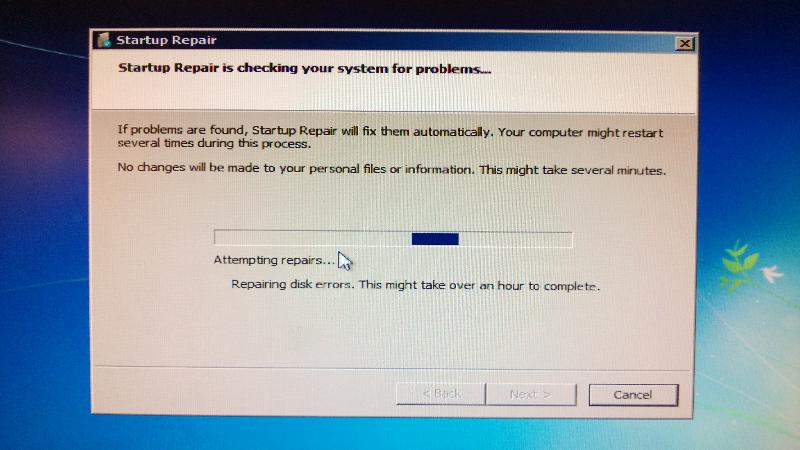
Suddendly no signal was reaching my display, so I did a cold reboot, got the screen to choose Start windows Normal or Repair mode
I chose Repair, and the Startup Repair program begins running. It's been going on almost four hours.
Is this normal? Should I take a different approach?
 repair.jpg
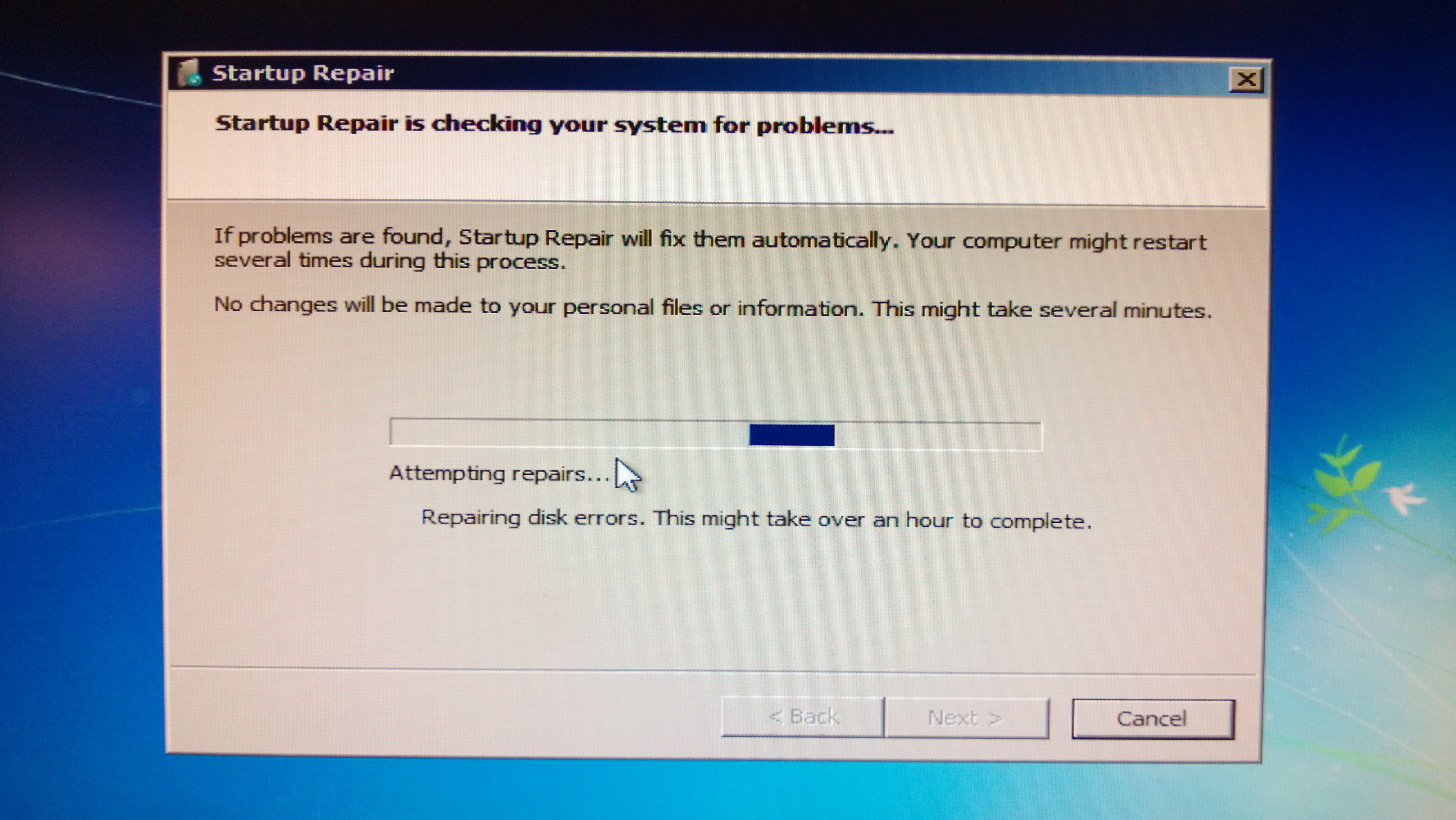
I chose Repair, and the Startup Repair program begins running. It's been going on almost four hours.
Is this normal? Should I take a different approach?
 repair.jpg
Zero AI Policy
We believe in human intelligence. Our moderation policy strictly prohibits the use of LLM content in our Q&A threads.

It could be normal since it is repairing disk errors (per the screenshot). One thing I would do when you get back into Windows, is try to clean the registry with a product called Auslogics Registry Cleaner. Free and great. Another thing you can do is a system restore to a time where your computer was working without a problem.
http://windows.microsoft.com/en-us/windows7/products/features/system-restore
http://windows.microsoft.com/en-us/windows7/products/features/system-restore

[E]stebs1978's suggestion is good. Give it time to complete.
[FWIW, Auslogics Registry cleaner, which I was using for a few years in past, caused problems by deleting entries it should have not deleted. Thereafter, CCleaner is sufficient, and if more is needed, using "Wise Registry Cleaner." Note that using registry cleaners is generally not a good idea.]
[FWIW, Auslogics Registry cleaner, which I was using for a few years in past, caused problems by deleting entries it should have not deleted. Thereafter, CCleaner is sufficient, and if more is needed, using "Wise Registry Cleaner." Note that using registry cleaners is generally not a good idea.]
Bummer. Auslogics gets me out of trouble all the time. :) I always create a restore point before running a registry cleaner so I can F8, Safe Mode, System Restore and move on just in case.
Try that. Hopefully it will work. Depending on how big the drive is, then the disk scan and repair could be lengthy.
Try that. Hopefully it will work. Depending on how big the drive is, then the disk scan and repair could be lengthy.


EARN REWARDS FOR ASKING, ANSWERING, AND MORE.
Earn free swag for participating on the platform.

It can take many hours and even more than a day.
If you want to stop it go ahead then reboot computer go back to repair mode then choose command prompt then type in chkdsk /f
If you want to stop it go ahead then reboot computer go back to repair mode then choose command prompt then type in chkdsk /f
ASKER CERTIFIED SOLUTION


membership
Log in or create a free account to see answer.
Signing up is free and takes 30 seconds. No credit card required.
I had to reinstall Windows, it was a bad drive.
I've requested that this question be closed as follows:
Accepted answer: 0 points for sandshakimi's comment #a39427475
for the following reason:
Had to reinstall Windows.
Accepted answer: 0 points for sandshakimi's comment #a39427475
for the following reason:
Had to reinstall Windows.
Get a FREE t-shirt when you ask your first question.
We believe in human intelligence. Our moderation policy strictly prohibits the use of LLM content in our Q&A threads.
Great. You got it working. :-)
i object, since i suggested the ansswer in my post :
if it takes that long, it points to : a very corrupted OS, or - in most cases, a dying disk
if it takes that long, it points to : a very corrupted OS, or - in most cases, a dying disk
Windows 7
--
Questions
--
Followers
Top Experts
Windows 7 is an operating system from Microsoft. Features include multi-touch support, a redesigned Windows Shell with a new taskbar, referred to as the Superbar, a home networking system called HomeGroup, and performance improvements.