
Outlook
--
Questions
--
Followers
Top Experts

Outlook 2010 AutoArchive a single folder, not entire mailbox
I am struggling with how to set up users with the ability to autoarchive (purge) items in a folder over 7 days old, without setting up autoarchive for their entire mailbox.
I know how to set the settings on the folder, but I can't get it to work unless I set up autoarchive for their entire mailbox.
I do not want them to run autoarchive on their entire mailbox, just individual folders.
I set a group policy to "Run AutoArchive" every 1 days and did not check anything else and this does not work.
Any help would be greatly appreciated.
I know how to set the settings on the folder, but I can't get it to work unless I set up autoarchive for their entire mailbox.
I do not want them to run autoarchive on their entire mailbox, just individual folders.
I set a group policy to "Run AutoArchive" every 1 days and did not check anything else and this does not work.
Any help would be greatly appreciated.
Zero AI Policy
We believe in human intelligence. Our moderation policy strictly prohibits the use of LLM content in our Q&A threads.

You have two approaches you can use.
1. Manually move the items from the specific folder to the Archive folder. This is the best approach to a one time move.
2. Set up Auto Archiving as you wish. Now: Go to the properties of ALL folders except the one folder and select Properties. Under the Auto Archive tab, select Do no archive this folder. You need to do this for every folder except the one you want archived. I do this for specific folders and it works fine.
1. Manually move the items from the specific folder to the Archive folder. This is the best approach to a one time move.
2. Set up Auto Archiving as you wish. Now: Go to the properties of ALL folders except the one folder and select Properties. Under the Auto Archive tab, select Do no archive this folder. You need to do this for every folder except the one you want archived. I do this for specific folders and it works fine.
what do you set for the "Default" settings for the mailbox?
ASKER CERTIFIED SOLUTION

membership
Log in or create a free account to see answer.
Signing up is free and takes 30 seconds. No credit card required.
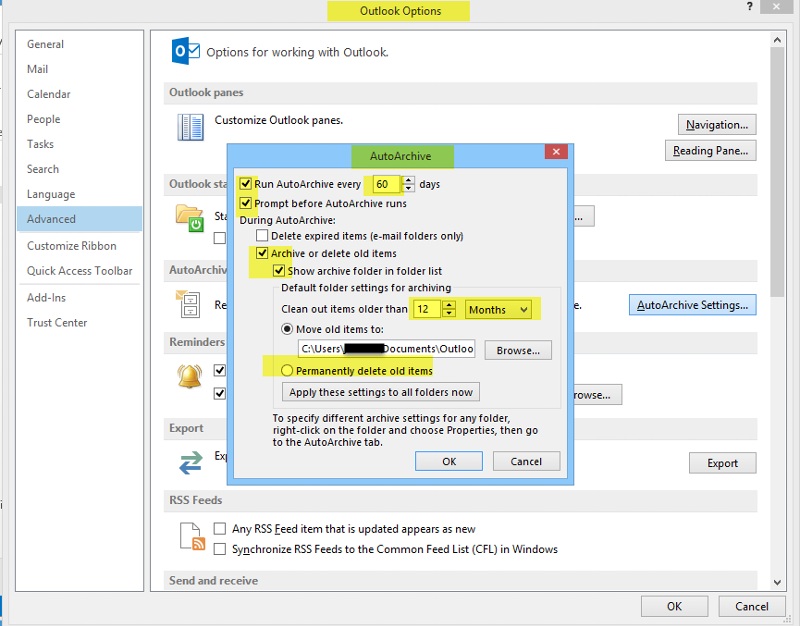
so what settings do you have on your entire mailbox?


EARN REWARDS FOR ASKING, ANSWERING, AND MORE.
Earn free swag for participating on the platform.
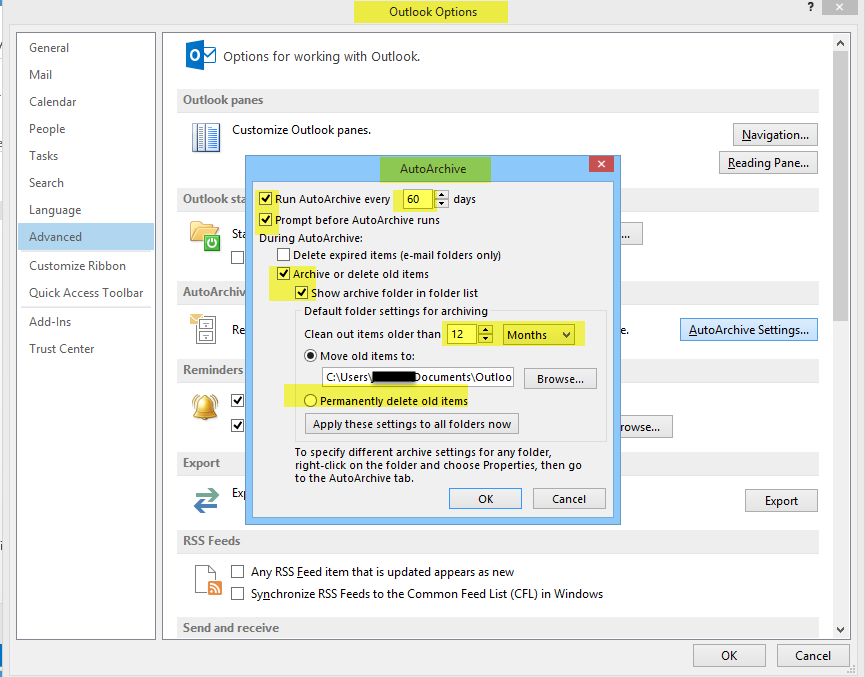
Here are the Mailbox Auto Archive Settings (Outlook, Options, Advanced, Auto Archive).
ok thanks, we are trying not to use individual pst files.
We are using exchange archive mailboxes, if i had to set up archiving on the mailbox can i somehow use exchanges's archive mailbox?
We are using exchange archive mailboxes, if i had to set up archiving on the mailbox can i somehow use exchanges's archive mailbox?
The settings in Archive work pretty much the same way for Exchange.
You have to set up Archive and then exclude what you do not want. That is the same for Local or Exchange.
You have to set up Archive and then exclude what you do not want. That is the same for Local or Exchange.
Get a FREE t-shirt when you ask your first question.
We believe in human intelligence. Our moderation policy strictly prohibits the use of LLM content in our Q&A threads.
thanks
@BFanguy - You are very welcome and I was happy to help.
Outlook
--
Questions
--
Followers
Top Experts
Microsoft Outlook is a personal information manager from Microsoft, available as a part of the Microsoft Office suite. Although often used mainly as an email application, it also includes a calendar, task manager, contact manager, note-taker, journal, and web browser.