
Storage
--
Questions
--
Followers
Top Experts

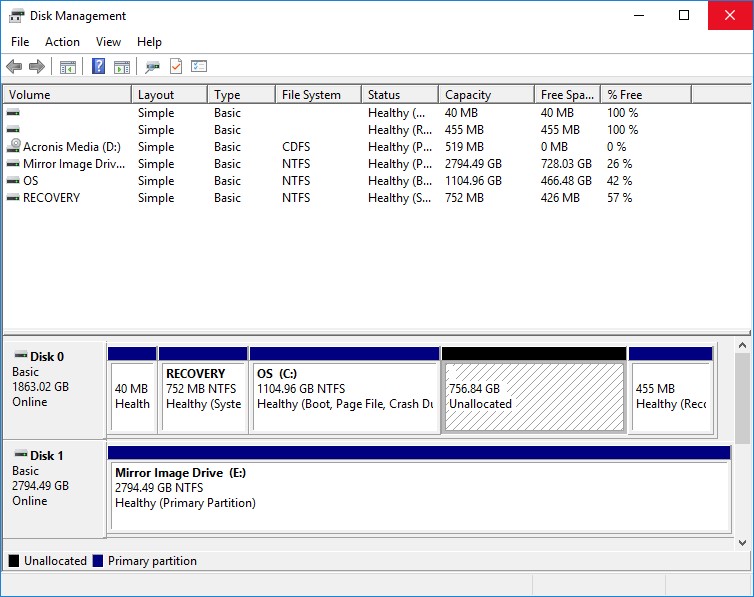
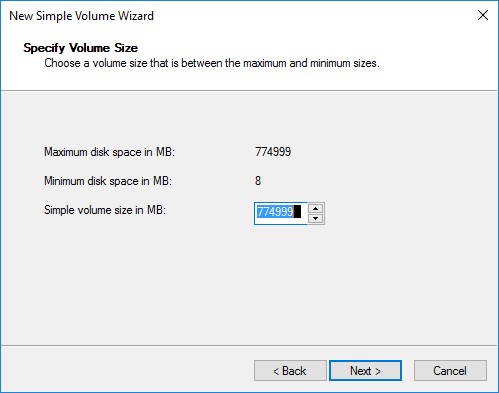
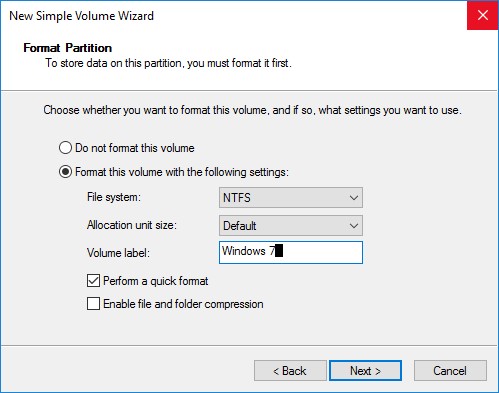
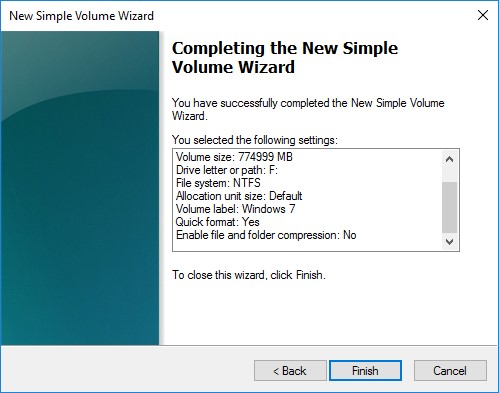
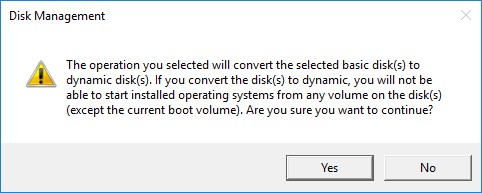
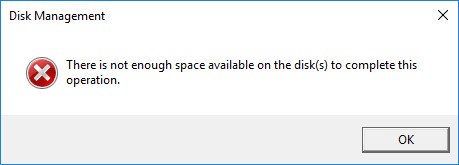
Can anyone tell me why I'm getting this error? Also, there is a 455 MB partition at the end of the disk labeled as "Healthy (Recovery)." Is it safe to remove that?
Volume-Wizard-1.jpg
Zero AI Policy
We believe in human intelligence. Our moderation policy strictly prohibits the use of LLM content in our Q&A threads.

https://support.microsoft.com/en-us/kb/2486464
Essentially, you need to right-click on that partition, select "Create Dynamic Disk", and then you should be able to create partitions inside of that new dynamic disk.

Plus for drive conversion you would in any case need 8MB space at the end of the drive, this is requirement of dynamic drive. Thus simply delete partition and do restore.
It seems that no matter what I try, I'm getting the same error! Additionally, I'm not being given the option of deleting that last partition!? Is it a Windows 10 thing?


EARN REWARDS FOR ASKING, ANSWERING, AND MORE.
Earn free swag for participating on the platform.

Storage
--
Questions
--
Followers
Top Experts
Computer data storage, often called storage or memory, is a technology consisting of computer components and recording media used to retain digital data. In addition to local storage devices like CD and DVD readers, hard drives and flash drives, solid state drives can hold enormous amounts of data in a very small device. Cloud services and other new forms of remote storage also add to the capacity of devices and their ability to access more data without building additional data storage into a device.