
Windows OS
--
Questions
--
Followers
Top Experts

How to get Synctoy or equivalent to work in Windows 10?
I have gone to Microsoft Download to get Synctoy 2.1 and installed it. All other programs work fine on this computer, but when I run Synctoy, the screen flashes and I can't read the error message.
Zero AI Policy
We believe in human intelligence. Our moderation policy strictly prohibits the use of LLM content in our Q&A threads.

Get richcopy, it's a front end gui for ROBOCOPY which is a lot more robust than synctoy. You can also use a schedule (I.E start up and log off)
Cheers
alex
Cheers
alex

maybe try running in Windows 8 or 8.1 compatibility mode?

I've used it on W10 x86 and am now using it on W10 x64 without issues (at least as far as I remember).
You might want to call it in an (administrative) command prompt, to see an error message.
You might want to call it in an (administrative) command prompt, to see an error message.


EARN REWARDS FOR ASKING, ANSWERING, AND MORE.
Earn free swag for participating on the platform.

Works here too
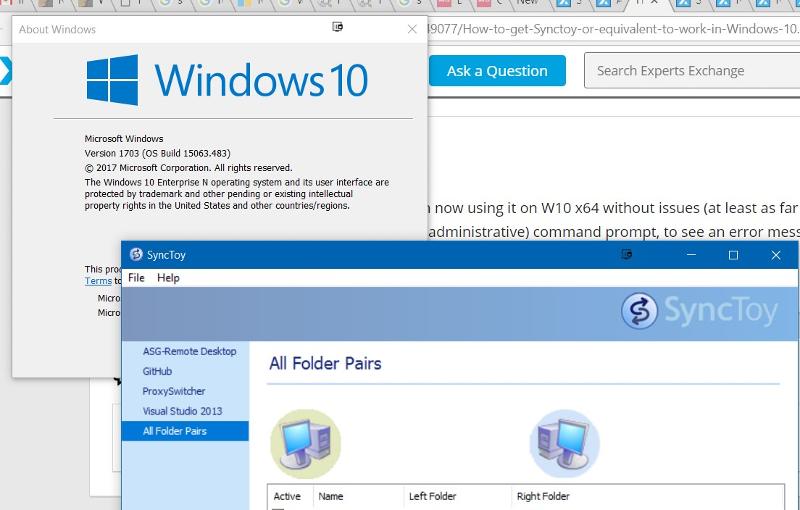
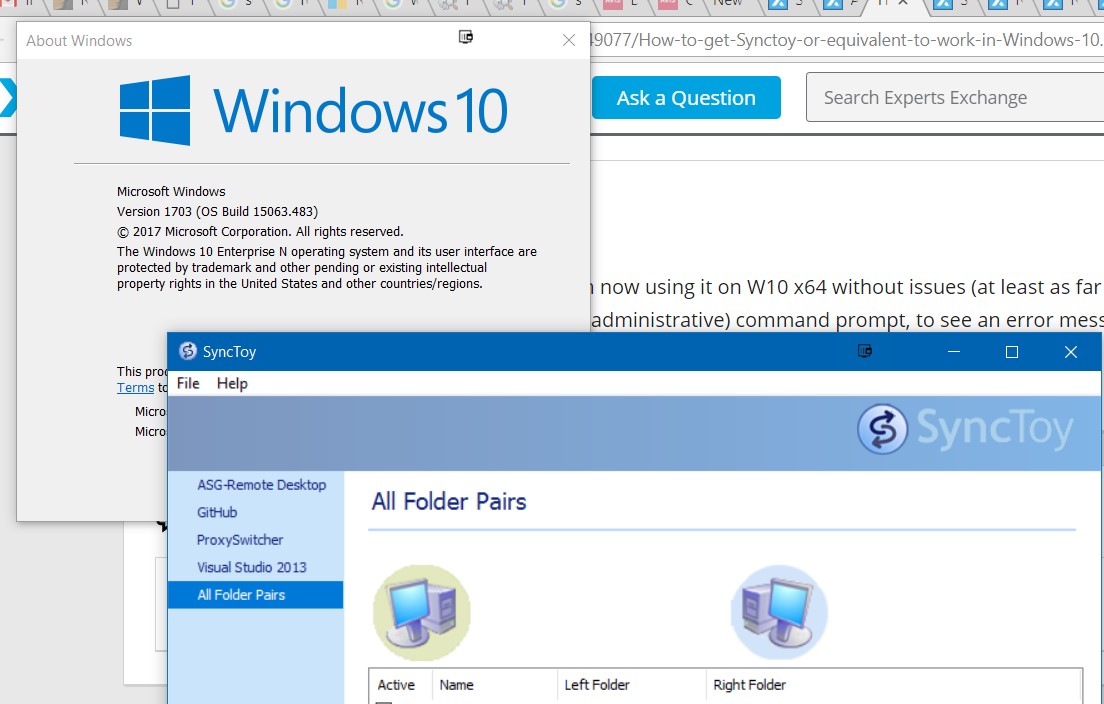
Found this at Microsoft and it works:
Control Panel -> Programs and Features -> Turn Windows Features On or Off
Select .Net Framework 3.5 to install. Then install SyncToy 2.1 as usual.
Control Panel -> Programs and Features -> Turn Windows Features On or Off
Select .Net Framework 3.5 to install. Then install SyncToy 2.1 as usual.
ASKER CERTIFIED SOLUTION

membership
Log in or create a free account to see answer.
Signing up is free and takes 30 seconds. No credit card required.
Thanks
Get a FREE t-shirt when you ask your first question.
We believe in human intelligence. Our moderation policy strictly prohibits the use of LLM content in our Q&A threads.
Windows OS
--
Questions
--
Followers
Top Experts
This topic area includes legacy versions of Windows prior to Windows 2000: Windows 3/3.1, Windows 95 and Windows 98, plus any other Windows-related versions including Windows Mobile.