
Windows OS
--
Questions
--
Followers
Top Experts

VM Server 2016 fails to install new "Roles"
Attempts to install Windows Server Back Role on a VM (Server 2016) fails.
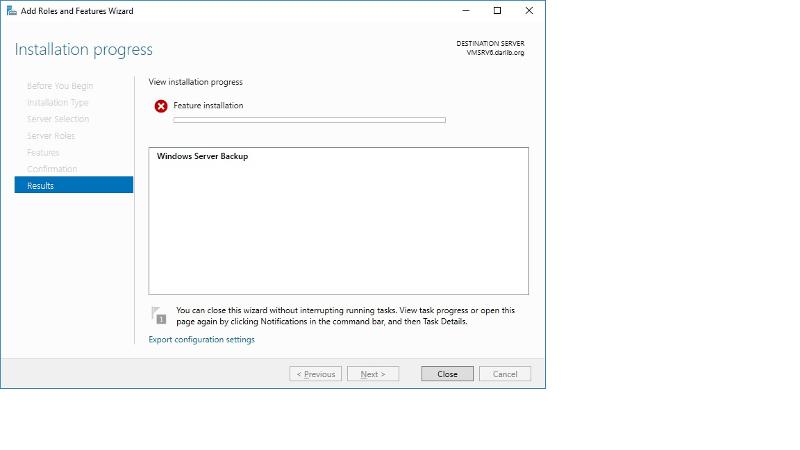
I have reviewed various known issues that were posted regarding this issue in the past such as
group policy issues, language update issues, and so on. None of those previous historic issues are relevant to my server.
I currently use Veritas to run backups but this single VM seems to fail and I am attempting to troubleshoot that issue by testing if I can get a successful backup using Windows Server Backup.
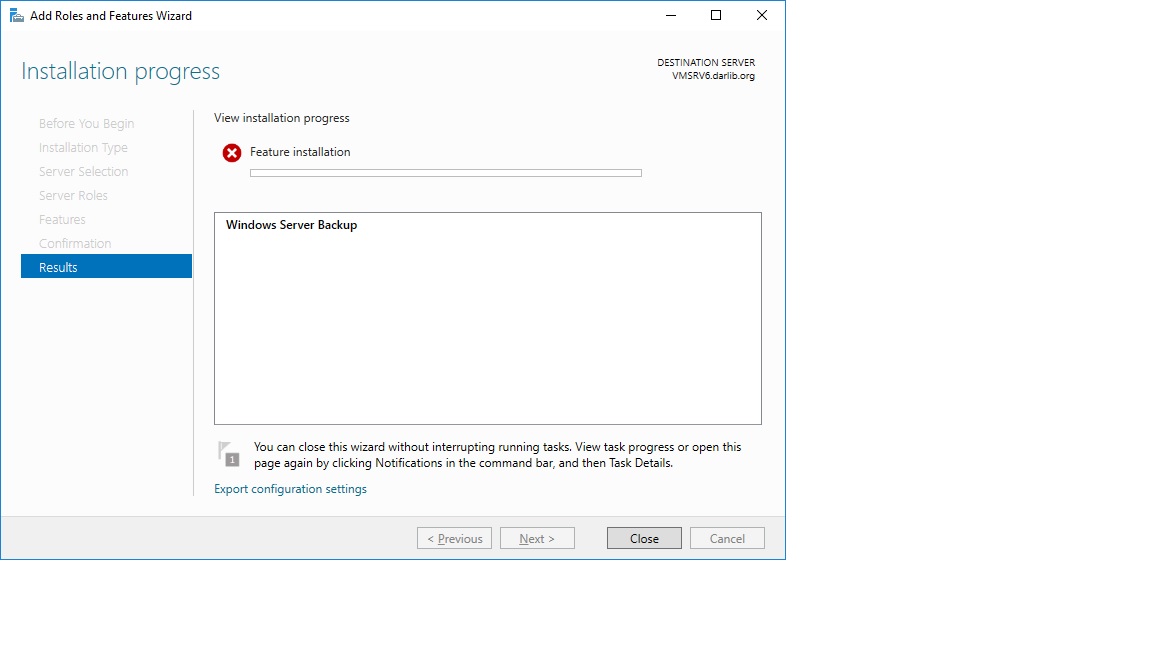
I have reviewed various known issues that were posted regarding this issue in the past such as
group policy issues, language update issues, and so on. None of those previous historic issues are relevant to my server.
I currently use Veritas to run backups but this single VM seems to fail and I am attempting to troubleshoot that issue by testing if I can get a successful backup using Windows Server Backup.
Zero AI Policy
We believe in human intelligence. Our moderation policy strictly prohibits the use of LLM content in our Q&A threads.
Look at using dism, to checkhealth, restorehealth, recheck image......
You may need to install a role to add this. If you have a ver iras agent through which ..... There is no error indication or cause.
Using dism to add the feature, you can add the /all to allow it to add all additions as needed....
You may need to install a role to add this. If you have a ver iras agent through which ..... There is no error indication or cause.
Using dism to add the feature, you can add the /all to allow it to add all additions as needed....
Thanks,
I'll try this later this evening.
I'll try this later this evening.
Got this error
2019-12-18 10:21:44, Info DISM DISM Package Manager: PID=4352 TID=6704 The option(windowsserverbackup
2019-12-18 10:21:44, Info DISM DISM Package Manager: PID=4352 TID=6704 Further logs for online package and feature related operations can be found at %WINDIR%\logs\CBS\cbs.log -
2019-12-18 10:21:44, Info DISM DISM Package Manager: PID=4352 TID=6704 The option(windowsserverbackup
2019-12-18 10:21:44, Info DISM DISM Package Manager: PID=4352 TID=6704 Further logs for online package and feature related operations can be found at %WINDIR%\logs\CBS\cbs.log -


EARN REWARDS FOR ASKING, ANSWERING, AND MORE.
Earn free swag for participating on the platform.
ASKER CERTIFIED SOLUTION

membership
Log in or create a free account to see answer.
Signing up is free and takes 30 seconds. No credit card required.
solved
Thanks!
Thanks!
Thanks Arnold,
Instead of name WindowsServerBackup the correct name was Windows-Server-Backup
Thanks again!
Instead of name WindowsServerBackup the correct name was Windows-Server-Backup
Thanks again!
Windows OS
--
Questions
--
Followers
Top Experts
This topic area includes legacy versions of Windows prior to Windows 2000: Windows 3/3.1, Windows 95 and Windows 98, plus any other Windows-related versions including Windows Mobile.