
Active Directory
--
Questions
--
Followers
Top Experts

I have used AD Connect to configure Hybrid Azure AD Joined. Once completed I went back to Azure Portal, but I do not see any devices displayed there.
I have Windows 10, and Windows 2016 on Premise, but they do not show in Azure AD.
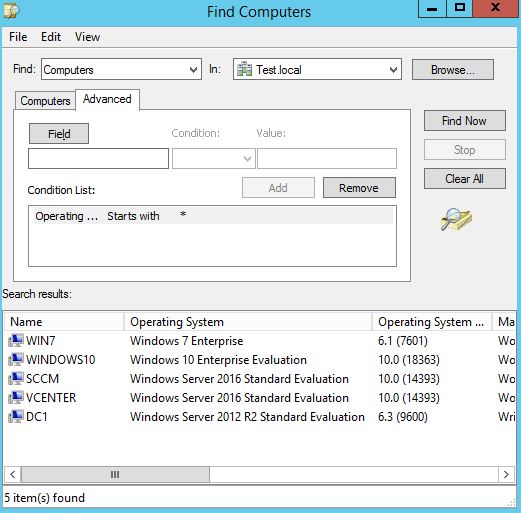
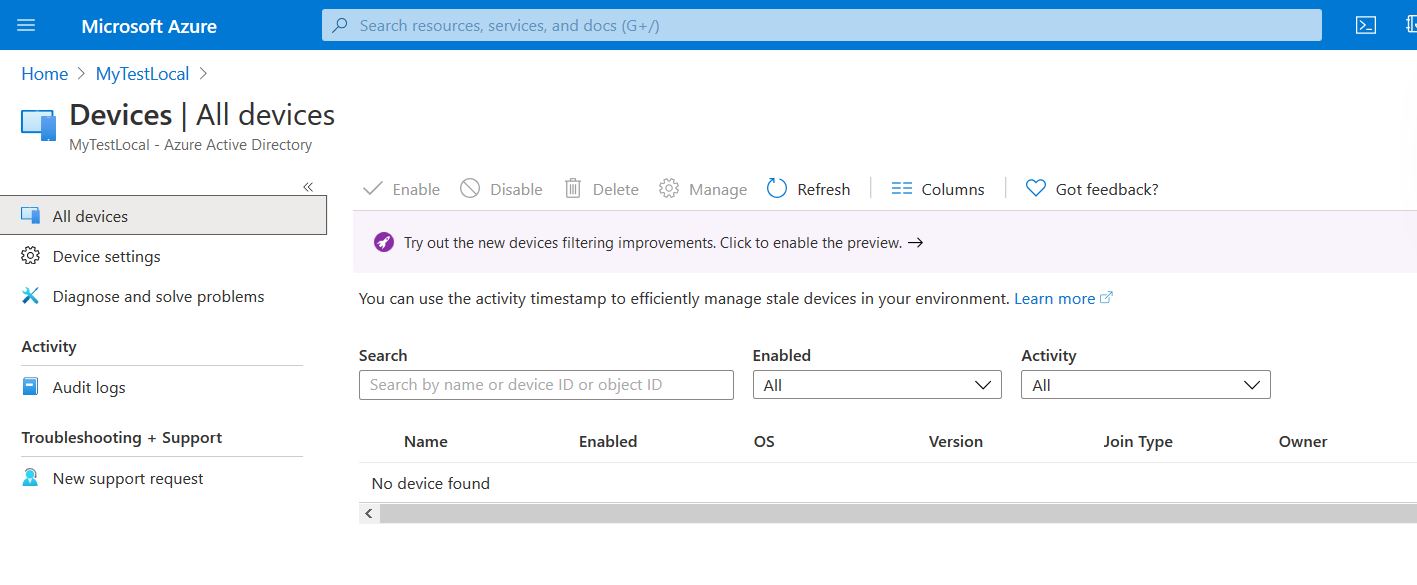
Any idea?
Thank you
Zero AI Policy
We believe in human intelligence. Our moderation policy strictly prohibits the use of LLM content in our Q&A threads.

Regarding Azure AD connect , it did not prompt me to choose from which OU to sync the devices from
Also, can the Azure AD Connect server connect outbound on port 443?


EARN REWARDS FOR ASKING, ANSWERING, AND MORE.
Earn free swag for participating on the platform.
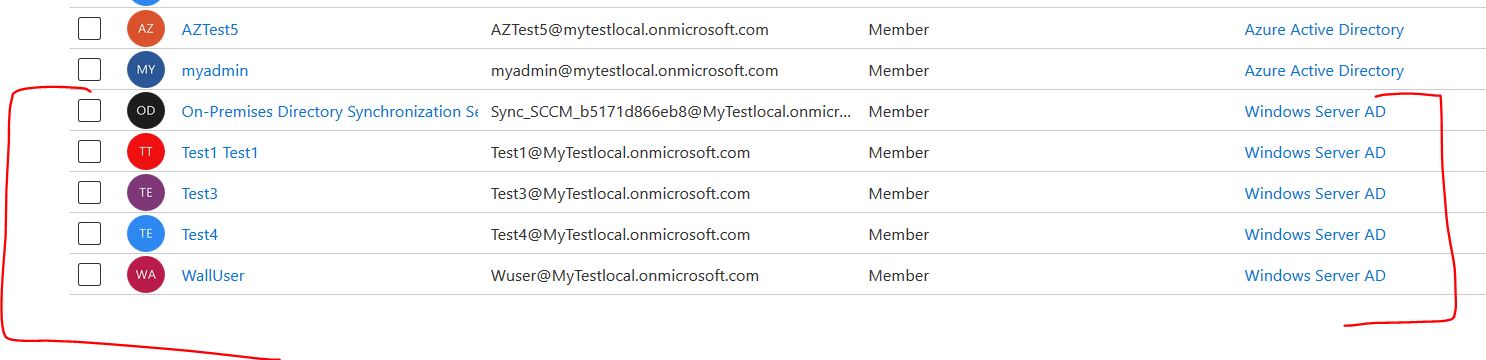
Azure AD connect is able to connect to Azure Active Directory, and was able to Replicate On-Premise AD users to Azure AD users:
Get a FREE t-shirt when you ask your first question.
We believe in human intelligence. Our moderation policy strictly prohibits the use of LLM content in our Q&A threads.
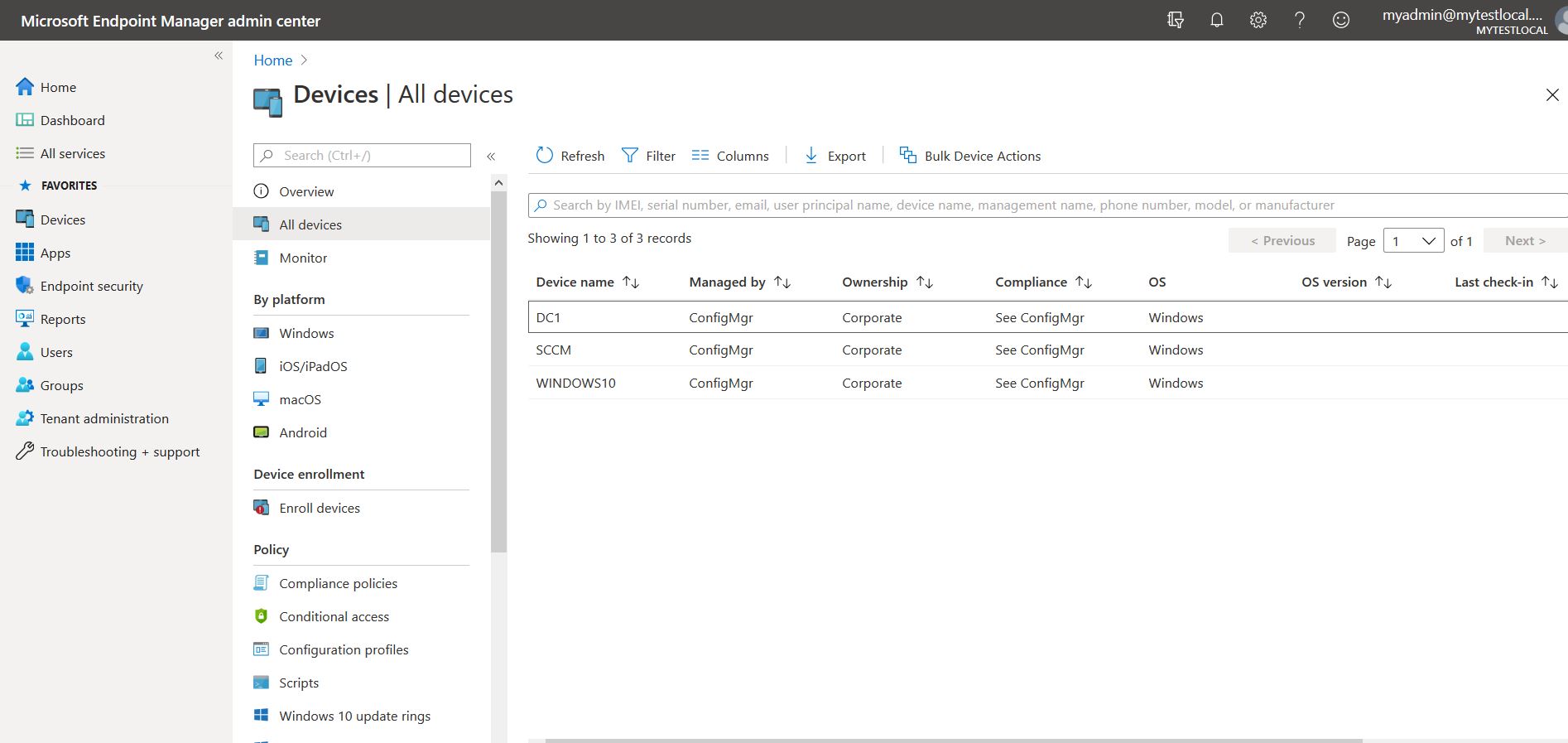
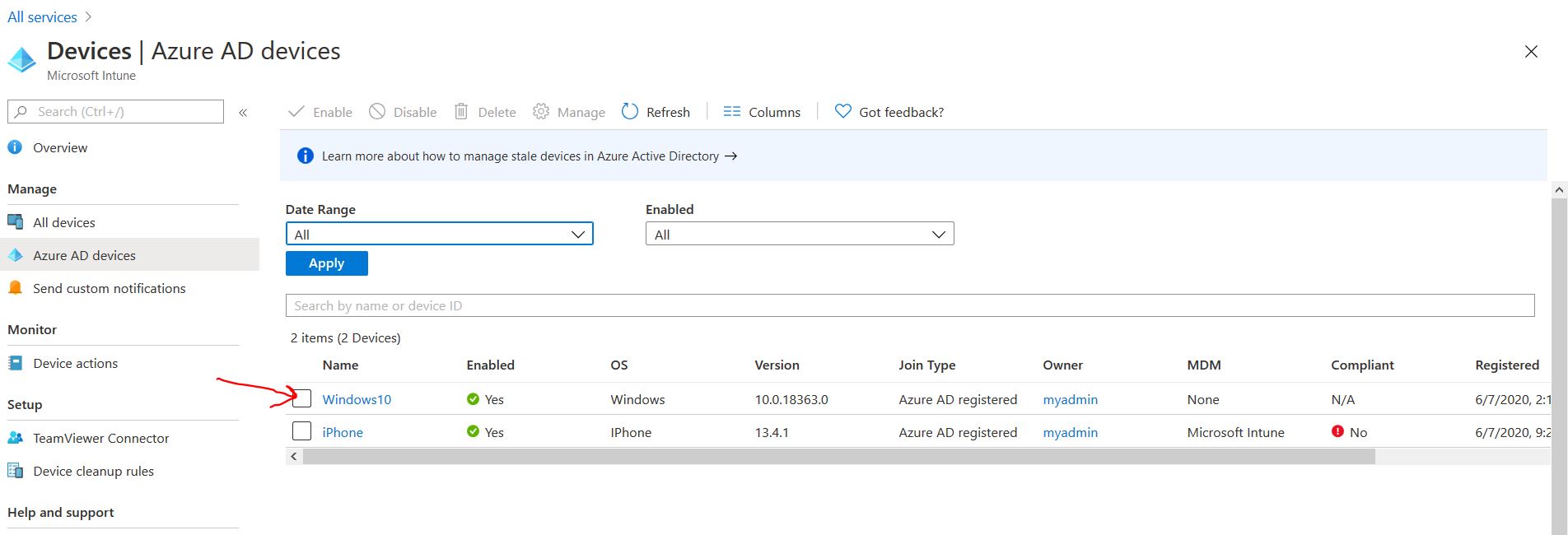
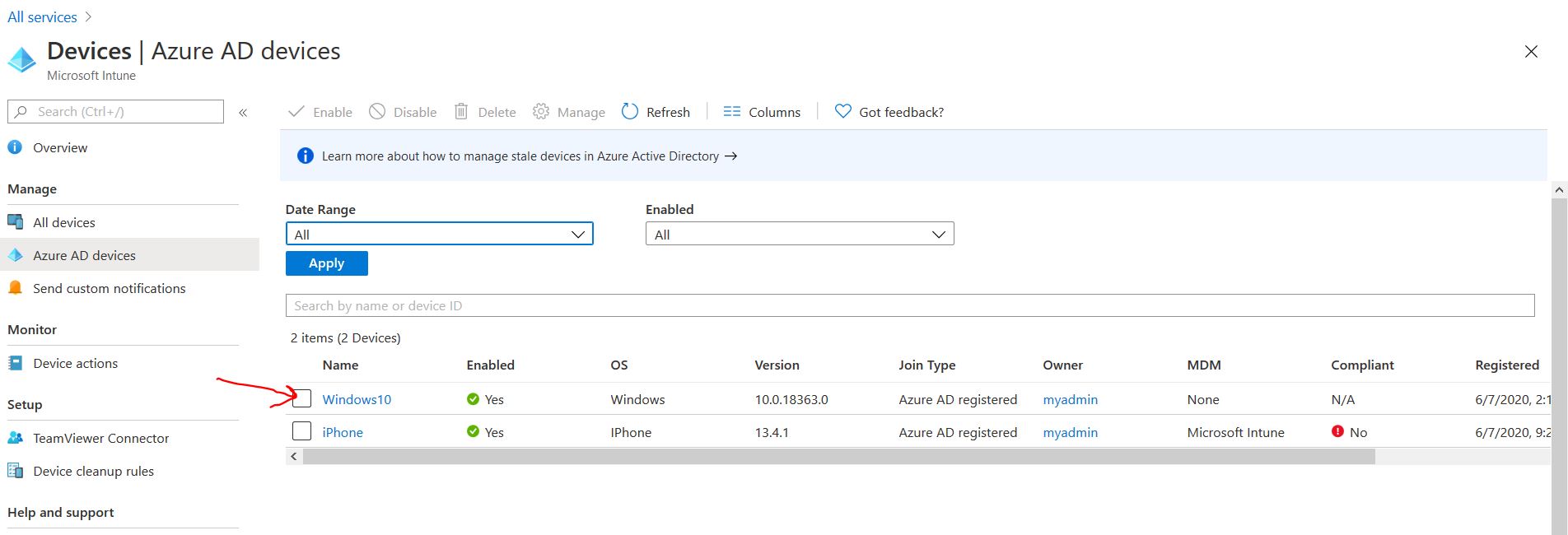
Not sure why the Devices show up in Intune, but not in Azure AD:
EARN REWARDS FOR ASKING, ANSWERING, AND MORE.
Earn free swag for participating on the platform.
if so, how come they show in Endpoint Manager but not in Azure AD ?
On one of the Windows 10 client machines, open command prompt, and run the following and post the results here
dsregcmd /status
Bear in mind, the process is really for Windows 10 devices, if you want to see Windows 7 devices in Azure AD, you'll need to carry out additional steps: https://docs.microsoft.com/en-us/azure/active-directory/devices/hybrid-azuread-join-managed-domains - Look for Windows Down Level devices.
Have you carried out the Service Connection Point registration?
Get a FREE t-shirt when you ask your first question.
We believe in human intelligence. Our moderation policy strictly prohibits the use of LLM content in our Q&A threads.
reg.txtHave you carried out the Service Connection Point registration?Not sure what you mean by that. I just followed the Wizard from beginning to end on configuring Hybrid Azure AD Joined
When you ran the forest configuration (SCP Setup), did you do it using an account which has Enterprise Admin rights in AD?
Correct, the Administrator Account which is member of Domain Admins and Enterprise Admins
When you ran the forest configuration (SCP Setup), did you do it using an account which has Enterprise Admin rights in AD?
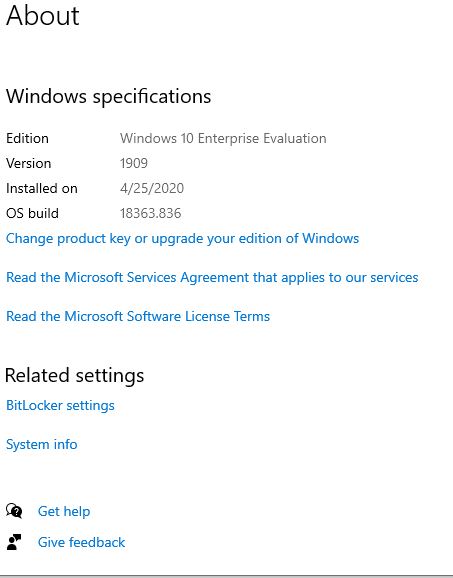
Windows version:
EARN REWARDS FOR ASKING, ANSWERING, AND MORE.
Earn free swag for participating on the platform.

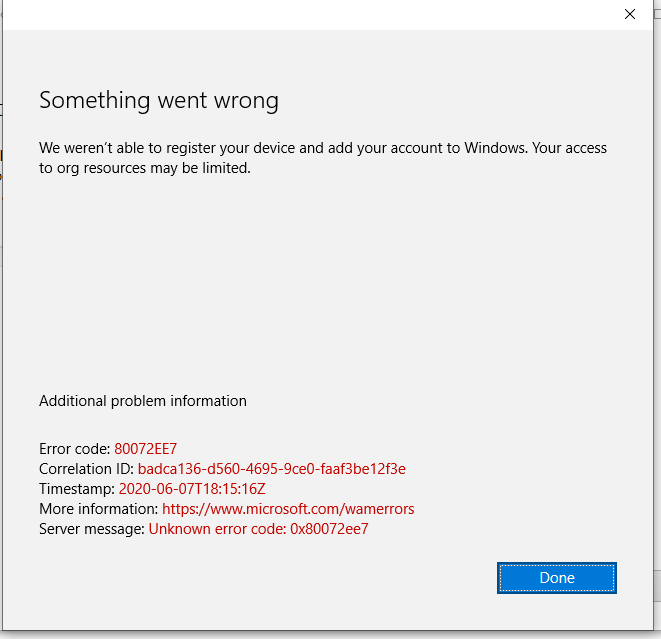
I take it back, I kept trying and this time it has registered:
This is a LAB on Vmware Workstation
Get a FREE t-shirt when you ask your first question.
We believe in human intelligence. Our moderation policy strictly prohibits the use of LLM content in our Q&A threads.
Do I need to manually download Corporate Portal App in order to see the Itune Apps assign to the user
Active Directory
--
Questions
--
Followers
Top Experts
Active Directory (AD) is a Microsoft brand for identity-related capabilities. In the on-premises world, Windows Server AD provides a set of identity capabilities and services, and is hugely popular (88% of Fortune 1000 and 95% of enterprises use AD). This topic includes all things Active Directory including DNS, Group Policy, DFS, troubleshooting, ADFS, and all other topics under the Microsoft AD and identity umbrella.